How to Move Your Agent's Memory Off a Vector Database
A practical guide to migrating agent memory off a vector database like Pinecone or Chroma to Hindsight: what to export, how to map it, and what you gain.
 By Ben Bartholomew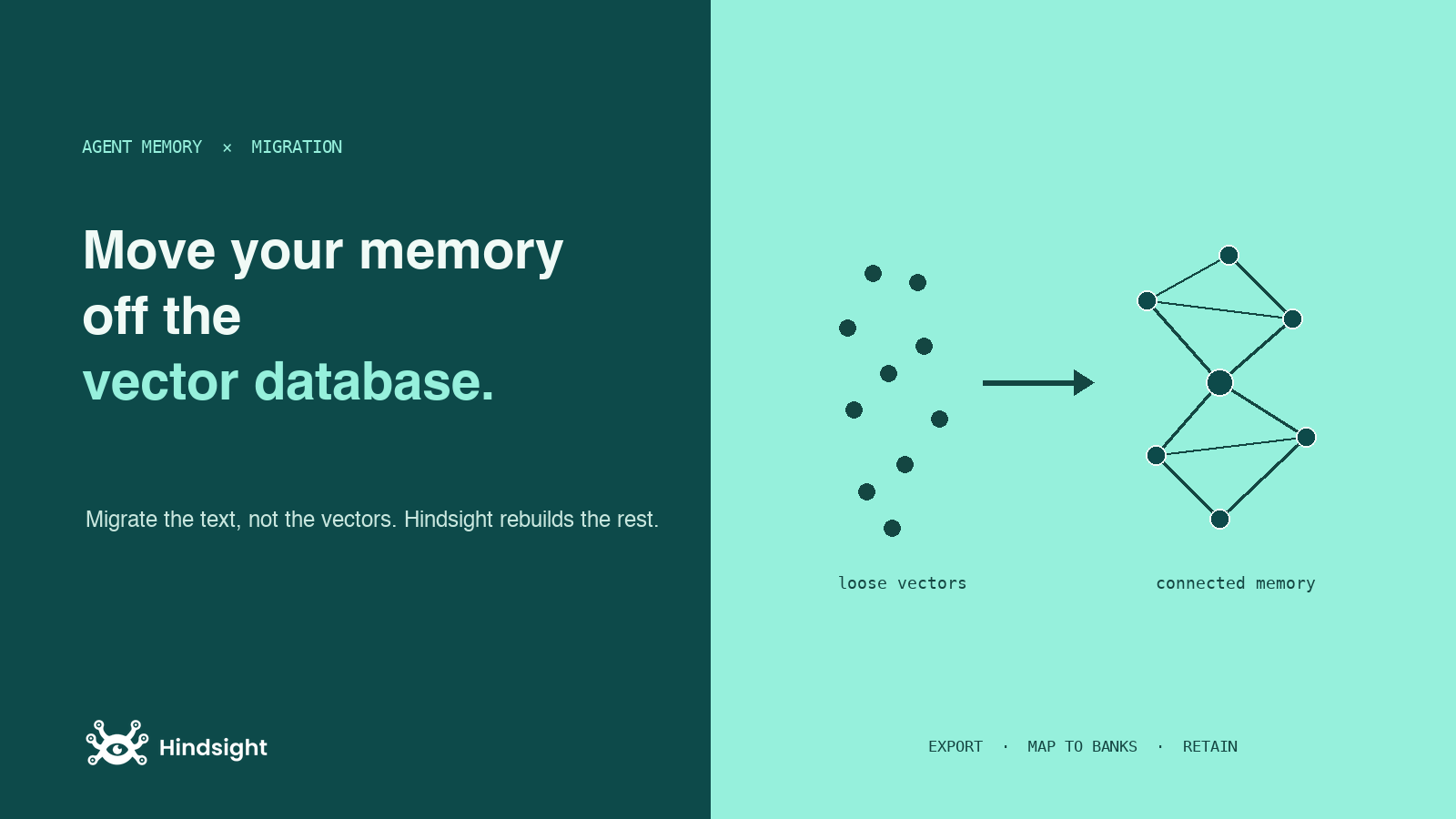
If you built agent memory the way most tutorials tell you to, it lives in a vector database. You embed each message, upsert it into Pinecone or Chroma with some metadata, and query by cosine similarity at runtime. It works, until it doesn't: the same person shows up under three slightly different names, last month's decision ranks the same as today's, and duplicate facts pile up because nothing ever reconciles them. We made the case that a vector database is the wrong default for agent memory in the first place. This post is the other half: if you already have one, how do you get out?
The short version is that you do not migrate vectors. You migrate the text, and let Hindsight rebuild everything else.
TL;DR
- Do not export embeddings. Hindsight re-embeds on ingest with its own model. Export the raw text plus metadata.
- Map each namespace or index to a bank. A bank is Hindsight's isolation boundary, the same role a Pinecone namespace plays.
- Re-
retainthe text in batches. That single call runs extraction, entity resolution, embedding, and background consolidation, which is exactly the machinery your vector DB was not doing. - Verify with
recallandreflect, then decommission the second service.
Step 1: stand up Hindsight
You need a running Hindsight before you move anything. The fastest path is Hindsight Cloud: sign up, grab an API key, nothing to host.
from hindsight_client import Hindsight

# Cloud
client = Hindsight(base_url="https://api.hindsight.vectorize.io", api_key="hsk_...")

# or self-hosted
# client = Hindsight(base_url="http://localhost:8888")
To self-host instead, run the container and point the client at it:
docker run -it --pull always --name hindsight --restart unless-stopped \
  -p 8888:8888 -p 9999:9999 \
  -e HINDSIGHT_API_LLM_API_KEY=$OPENAI_API_KEY \
  -v hindsight-data:/home/hindsight/.pg0 \
  ghcr.io/vectorize-io/hindsight:latest
Step 2: rethink the unit you are moving
This is the step people skip, and it is the one that matters. In a vector database, the unit is a row: an embedding, the chunk of text it came from, and a bag of metadata. In Hindsight, the unit is a fact inside a bank, and facts are connected to entities and to each other.
So the mapping is not row-to-row. It is:
| Vector DB | Hindsight |
|---|---|
| Index / namespace | Bank (bank_id) |
| Embedding vector | Discarded, re-embedded on ingest |
| Stored text / chunk | content passed to retain |
user_id in metadata | Usually the bank_id, one bank per user |
| Topic / category metadata | tags for filtered recall |
| Timestamp metadata | event_date, so temporal ranking works |
The practical consequence: if your Pinecone index used a user_id metadata field to keep tenants apart, that field becomes the bank, not a filter. Per-user isolation stops being a query-time where clause you have to remember and becomes a structural boundary. If you are unsure how finely to slice, we wrote a field guide on bank strategy.
Step 3: export the text, not the vectors
Pull records out of your existing store, keeping the text and the metadata you care about and dropping the embeddings. From Pinecone that is a paginated fetch; from Chroma it is a collection.get(include=["documents", "metadatas"]). Either way you end up with a list of plain records:
records = [
    {
        "text": "Customer prefers email over phone for support.",
        "user_id": "user_123",
        "topic": "support",
        "created_at": "2026-05-02T14:30:00Z",
    },
    # ...
]
Step 4: retain in batches
Now replay those records into Hindsight. retain accepts an items list, so you can send many at once instead of one call per record. Group your records by the bank they belong to, then batch:
from collections import defaultdict

by_bank = defaultdict(list)
for r in records:
    by_bank[r["user_id"]].append({
        "content": r["text"],
        "tags": [r["topic"]],
        "event_date": r["created_at"],
    })

for bank_id, items in by_bank.items():
    client.create_bank(bank_id=bank_id, name=f"Memory for {bank_id}")
    # send in chunks so each call stays a reasonable size
    for i in range(0, len(items), 100):
        client.retain(bank_id=bank_id, items=items[i:i + 100])
There is no dedicated Pinecone or Chroma importer to install, and you do not need one. This loop is the migration. Each retain call does the work your vector database never did: it extracts the durable facts from the text, resolves the entities in them against what is already in the bank, embeds them, and queues background consolidation. retain returns quickly and the heavier processing continues asynchronously, so a large migration drains as a queue rather than blocking your script.
One honest caveat: because Hindsight re-extracts and re-embeds every record, a big migration is not instant and it does real model work. That is the cost of turning a pile of chunks into a structured memory. You pay it once.
Step 5: verify, then decommission
Before you tear anything down, confirm the memory reads back the way you expect. Use recall for a spot check of the facts and reflect when you want to see whether the higher-level understanding survived the move:
client.recall(bank_id="user_123", query="how does this customer like to be contacted?")
client.reflect(bank_id="user_123", query="summarize what we know about this customer")
If those look right across a sample of banks, point your application's read path at Hindsight and turn off the vector database. You are now running one stateful service instead of two.
What you actually gained
The migration is worth doing because the destination is not just another store. The same text now gets:
- Entity resolution. "Alice", "Alice Chen", and "Alice C." collapse into one entity, so a query about her finds everything, not the third that happened to match your wording.
- Consolidation. Repeated and related facts get distilled into observations in the background, instead of accumulating as near-duplicate rows you have to dedupe yourself.
- Temporal awareness. Because you carried
event_dateacross, Hindsight can rank by recency and answer time-bounded questions, rather than treating a year-old note and this morning's as equals. - Hybrid retrieval. Recall runs semantic search, BM25 keyword search, and graph traversal over linked entities together, with a temporal pass when the query has a time element, then fuses and reranks the results. Your old setup did the first of those four and called it memory.
Frequently asked questions
Do I lose my embeddings? Yes, on purpose. Hindsight embeds with its own model, so the vectors would not be compatible anyway. You keep the text, which is the part that carries meaning.
How do I map a multi-tenant Pinecone index?
Whatever field kept tenants apart, usually a user_id, becomes the bank_id. One bank per tenant, isolated by construction.
Is there a one-click importer?
No. The migration is the batch retain loop above. That is deliberate: ingest has to run extraction and entity resolution, so there is no shortcut that skips the part that makes the memory useful.
Can I migrate incrementally?
Yes. Banks are created lazily and retain is additive, so you can move one tenant or one namespace at a time and run both systems in parallel until you are confident.
Further reading
- Inside retain(): what happens to each record the moment you retain it.
- recall vs reflect: the two ways to read the memory once it is moved.
- Your 1M-token context window is not memory: why you retrieve a small slice instead of pasting everything.