Using Entity Labels to Automatically Tag Memories in Hindsight
Hindsight's entity labels turn free-text memories into structured, filterable classifications — automatically. A controlled vocabulary, four label types, and one tag: true switch that turns labels into filterable tags.
 By Ben Bartholomew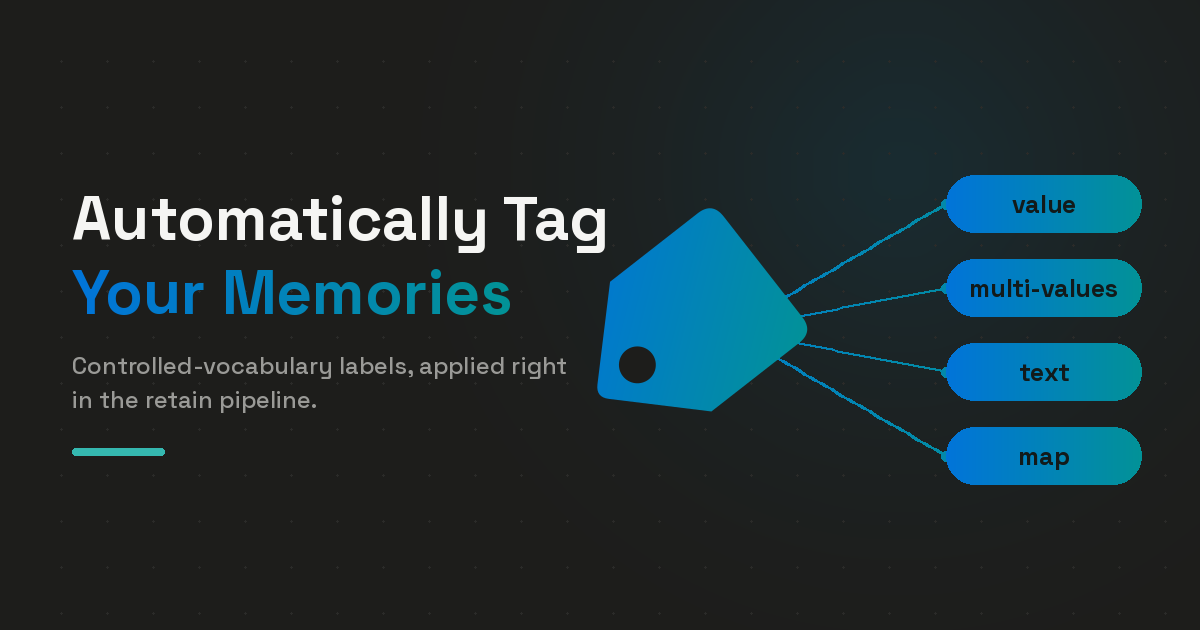
Hindsight's free-form entity extraction is great for surfacing what's in your data — names, places, concepts the model finds on its own. It's less great when you actually want to filter that data later.
You write a support agent that ingests tickets. Three customers all called in about Acme Corp. The first session retained Acme Corp, the second Acme, the third Acme Corporation. They're the same company, but the entity strings don't match, so a downstream query for "everything Acme" comes back with one of three memories at random.
Entity labels fix this. You define a controlled vocabulary at the bank level — a fixed set of dimensions like priority, sentiment, or product_area with allowed values. At retain time, the LLM is forced to pick from that vocabulary. The result is consistent, queryable classification on every memory, with no agent code changes.
What an Entity Label Is
A label group is one classification dimension on your bank. It has a key (the dimension name), a type (the shape of the value), and — for enum-style groups — a list of allowed values.
The smallest possible config:
{
  "entity_labels": [
    {
      "key": "priority",
      "description": "Urgency of the support request",
      "type": "value",
      "values": [
        { "value": "low" },
        { "value": "medium" },
        { "value": "high" },
        { "value": "urgent" }
      ]
    }
  ]
}
When this bank retains a ticket like "customer's checkout is broken, can't process orders", the LLM picks one of the four allowed values, and Hindsight stores a memory-linked entity with canonical_name = "priority:urgent". Two memories that both classify as urgent now share an entity in the knowledge graph — they cluster naturally, retrieval finds them together, and you can query the entire bank for everything urgent.
The Four Label Types
Each label group has one of four type values. Pick the one that matches the shape of the dimension.
value — single enum
The default. The LLM picks exactly one of the allowed values, or skips it when nothing applies (if optional: true, which is the default).
{
  "key": "sentiment",
  "description": "Customer's emotional tone in the ticket",
  "type": "value",
  "values": [
    { "value": "frustrated" },
    { "value": "neutral" },
    { "value": "appreciative" }
  ]
}
Stored as: sentiment:frustrated, sentiment:neutral, or sentiment:appreciative.
multi-values — multi-select enum
Same idea, but the LLM can pick several values when more than one applies.
{
  "key": "product_area",
  "description": "Which product areas the ticket touches",
  "type": "multi-values",
  "values": [
    { "value": "billing" },
    { "value": "auth" },
    { "value": "dashboard" },
    { "value": "api" },
    { "value": "mobile" }
  ]
}
A single ticket can produce multiple entities (product_area:billing, product_area:dashboard) and link memories that share any of those areas.
text — free-form under a known key
Same key prefix every time, but the value itself is open vocabulary. Good for dimensions where you want consistent prefixes (topic:, customer_name:) without enumerating every possible value.
{
  "key": "customer_name",
  "description": "Customer or company mentioned in the ticket",
  "type": "text",
  "values": []
}
Stored as customer_name:Acme Corp, customer_name:Globex, etc. Graph clustering is less reliable than with enums because the model may phrase the same value differently across sessions — that's the trade-off for open vocabulary.
map — structured entity (v0.6.1+)
Use this when a single entity has multiple named fields — a person with a name and role, a customer with a tier and account ID. Each field is itself typed, so you can mix text, enum, and nested map.
{
  "key": "customer",
  "description": "Customer mentioned in the ticket",
  "type": "map",
  "fields": {
    "name":       { "type": "text", "description": "Customer or company name" },
    "tier":       { "type": "value", "values": [
                      { "value": "free" }, { "value": "pro" }, { "value": "enterprise" }
                    ]},
    "account_id": { "type": "text", "description": "Account or organization ID" }
  }
}
Each extracted field is stored as a flat key:field:value entity — customer:name:Acme Corp, customer:tier:enterprise, customer:account_id:org_8f4a. The flat encoding means map fields participate in the knowledge graph and retrieval the same way single-value labels do, with no schema changes underneath.
How Extraction Works
The pipeline is small and easy to reason about.
1. Your bank config compiles into a Pydantic model. When you call update_bank_config with an entity_labels block, Hindsight parses it into an EntityLabelsConfig and uses build_labels_model() to produce a dynamic Pydantic class with one typed field per label group. Enum groups become Literal[...]. Multi-value groups become list[Literal[...]]. Map groups become list[NestedModel].
2. The retain LLM call uses JSON-schema enforcement. That dynamic Pydantic model is attached to the structured-output schema for the extraction call. The provider enforces it — the model literally cannot return a value outside your vocabulary for enum groups. The prompt section that ships alongside the schema looks like this:
══════════════════════════════════════════════════════════════════════════
ENTITY LABELS - CLASSIFICATION ATTRIBUTES
══════════════════════════════════════════════════════════════════════════

Classify each fact using the structured 'labels' field below. Continue
extracting regular named entities in the 'entities' field.

For each fact, fill the 'labels' object. Each field is a label group:

- priority (single value or null): Urgency of the support request
    • "low"
    • "medium"
    • "high"
    • "urgent"

- product_area (multi-value (list)): Which product areas the ticket touches
    • "billing"
    • "auth"
    • "dashboard"
    • "api"
    • "mobile"

Only assign labels when clearly applicable. Leave null/empty if the fact does not match.
3. Post-processing validates and writes entities. The LLM response comes back as a structured labels dict per fact. Hindsight checks each value against the pre-built labels_lookup set (built from your config's enums), drops anything outside the vocabulary, recurses into map types, and writes an entity per matched value. The result lands in the unit_entities join table that already powers free-form entity retrieval — no special label storage.
Same shape as free-form entities. Same retrieval path. Just predictable strings.
The tag: true Payoff
Labels become entities by default. Add "tag": true to a label group, and the matched key:value is also written to the memory's tags field — so you can filter recall by tag, the same way you'd filter by any user-supplied tag.
{
  "key": "priority",
  "type": "value",
  "tag": true,
  "values": [
    { "value": "low" }, { "value": "medium" }, { "value": "high" }, { "value": "urgent" }
  ]
}
Retain a ticket, and the memory comes out with tags = ["priority:urgent", ...] automatically. Then:
results = client.recall(
    bank_id="support",
    query="What's the most pressing issue with billing right now?",
    tags=["priority:urgent"],
    tags_match="all",
)
The recall is scoped to memories carrying that tag. Pair priority with a sentiment label and you can ask "what urgent tickets had frustrated customers this week?" with two tags and a query.
Set tag: true only on the dimensions you actually plan to filter on. Every tag also becomes part of the memory's filterable surface, so over-tagging makes the surface noisier without adding much retrieval value.
Labels-Only Mode
By default, label entities are written alongside free-form entities — people, places, concepts the LLM finds on its own. If you want labels and nothing else (analytics-grade consistency, downstream BI pipelines, deterministic dashboards), set entities_allow_free_form to false:
{
  "entity_labels": [ /* … */ ],
  "entities_allow_free_form": false
}
The bank now only ever surfaces entities from your controlled vocabulary. Free-form extraction is suppressed at the source — no post-hoc filtering needed.
Designing a Vocabulary
A few rules of thumb after watching a bunch of these in production:
- Start with two to four dimensions. You can add more later, but more labels means more LLM tokens per retain call and more attention spent classifying versus extracting facts. Begin with the dimensions you know you'll filter on.
- Prefer enums (
value/multi-values) overtext. Enums guarantee that the same concept gets the same string, which is the whole point. Usetextonly when the value space is genuinely open (people's names, free-form topics, product SKUs). - Use
mapfor entities with sub-fields. People, organizations, addresses, customer profiles — anywhere you'd otherwise stuff structured data into a flat string. - Set
tag: trueonly on dimensions you'll filter recall by. Filtering is the payoff; tag noise is the cost. - Lean on
descriptionfields. They're injected directly into the LLM prompt and shape extraction quality more than anything else. Describe what each label means and when it applies.
One stability note: as of Hindsight v0.7.0, user-defined label entities are exempt from fuzzy resolution. priority:urgent stays priority:urgent forever — it won't get merged into a similar-looking entity by the consolidator. That makes labels safe to depend on as long-lived identifiers across analytics jobs, alert rules, and dashboards.
A Support-Ticket Bank, End to End
Putting it together. Here's the full config for a support agent that classifies tickets along four dimensions:
client.update_bank_config(
    bank_id="support",
    entity_labels=[
        {
            "key": "priority",
            "description": "Urgency of the support request",
            "type": "value",
            "tag": True,
            "values": [
                {"value": "low"}, {"value": "medium"},
                {"value": "high"}, {"value": "urgent"},
            ],
        },
        {
            "key": "sentiment",
            "description": "Customer's emotional tone in the ticket",
            "type": "value",
            "values": [
                {"value": "frustrated"}, {"value": "neutral"}, {"value": "appreciative"}
            ],
        },
        {
            "key": "product_area",
            "description": "Which product areas the ticket touches",
            "type": "multi-values",
            "tag": True,
            "values": [
                {"value": "billing"}, {"value": "auth"}, {"value": "dashboard"},
                {"value": "api"}, {"value": "mobile"},
            ],
        },
        {
            "key": "customer",
            "description": "Customer mentioned in the ticket",
            "type": "map",
            "fields": {
                "name":       {"type": "text", "description": "Customer or company name"},
                "tier":       {"type": "value", "values": [
                    {"value": "free"}, {"value": "pro"}, {"value": "enterprise"}
                ]},
                "account_id": {"type": "text", "description": "Account or org ID"},
            },
        },
    ],
)
Retain a ticket:
client.retain(
    bank_id="support",
    content=(
        "Acme Corp (enterprise, account org_8f4a) reports their checkout "
        "is completely broken — customers can't process orders. They've "
        "been blocked for 40 minutes and are extremely frustrated. "
        "Billing dashboard shows the right plan, but the API rejects "
        "every charge attempt with a 500."
    ),
)
After extraction completes, the memory carries these entities:
priority:urgent
sentiment:frustrated
product_area:billing
product_area:api
customer:name:Acme Corp
customer:tier:enterprise
customer:account_id:org_8f4a
…and these tags (because priority and product_area have tag: true):
["priority:urgent", "product_area:billing", "product_area:api"]
Now recall by tag:
results = client.recall(
    bank_id="support",
    query="What urgent issues are blocking customers right now?",
    tags=["priority:urgent"],
)
The query is semantic and tag-filtered. You get every memory the model considers relevant, restricted to the ones tagged urgent. Add a second tag — tags=["priority:urgent", "product_area:billing"] — and the filter tightens further.
The Whole Idea
Free-form entity extraction tells you what the LLM noticed. Entity labels tell you what you care about, every time, with the same vocabulary. Add tag: true and that vocabulary doubles as a filterable index on every memory. Add map and you can model rich structured entities without a separate schema. Add entities_allow_free_form: false and you've got an analytics-clean bank with no off-vocabulary noise.
Two changes to a bank config, no agent code, persistent classification on every memory. That's the whole pitch.
Further reading:
entity_labelsreference — full schema documentation- Map-Type Entity Labels (v0.6.1) — when structured entities shipped
- Stable User-Defined Label Entities (v0.7.0) — why labels survive consolidation
- The Constellation Graph View — see your label entities visualized
- What Is Agent Memory? — foundational concepts