Give GitHub Copilot CLI a Memory of Your Codebase

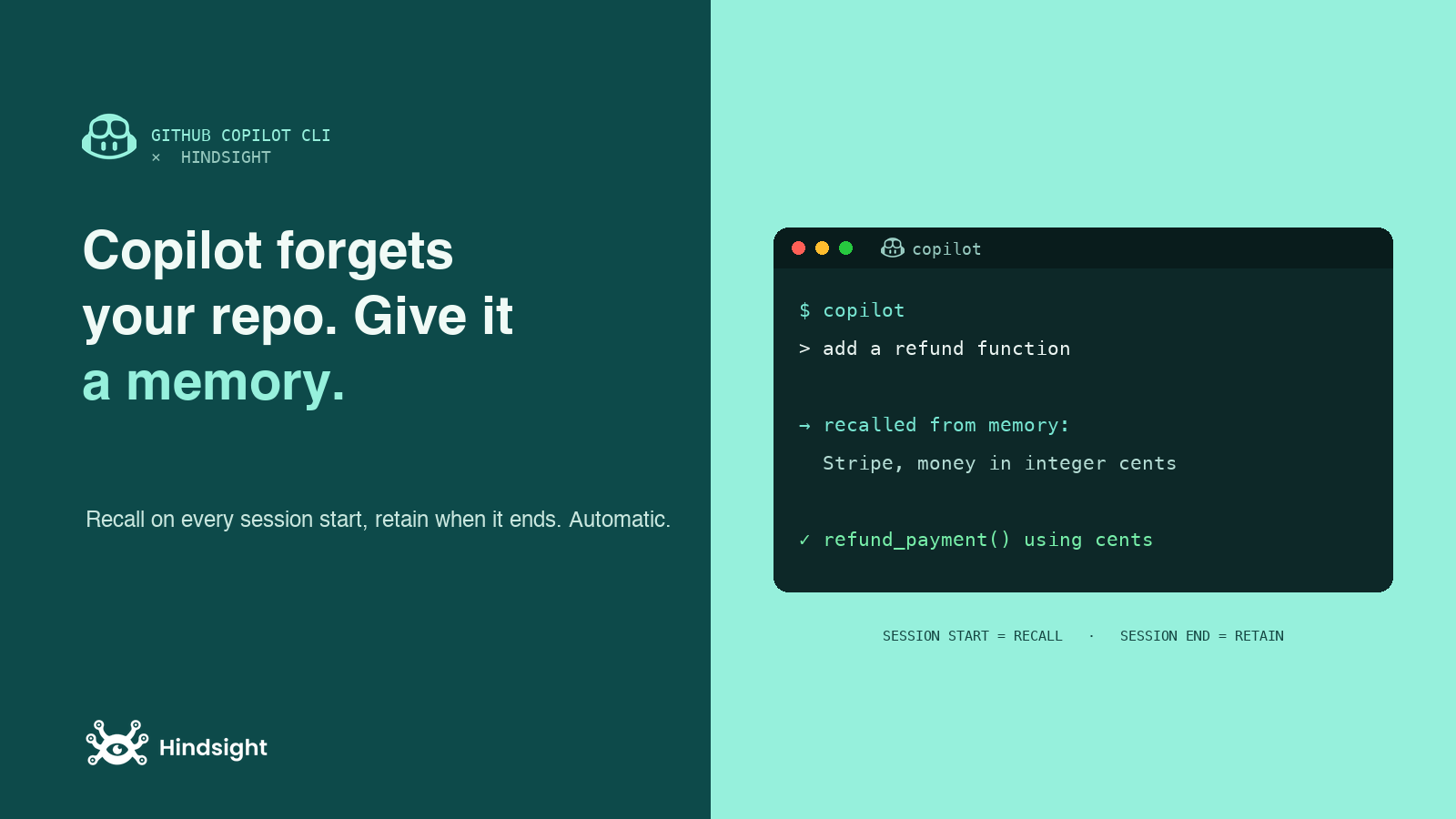
GitHub Copilot CLI brings the Copilot agent into your terminal: it plans, edits files, runs commands, and works a task end to end. It is genuinely good at the task in front of it. It is also completely amnesiac between sessions. Close the terminal, come back tomorrow, and it has forgotten that this repo uses pnpm not npm, the architecture decision you talked through last week, and the approach you already ruled out.
hindsight-copilot-cli fixes that without changing how you work. It plugs Hindsight into Copilot CLI through its hooks, so the agent recalls the relevant project history when a session starts and retains what the session produced when it ends. No memory commands to run, no tools to invoke by hand.
TL;DR
- Two steps:
pip install hindsight-copilot-clithenhindsight-copilot-cli install. - It uses Copilot CLI's hooks: recall runs on
sessionStart, retain runs onagentStopandsessionEnd. It is automatic. - Subagents get memory too: every spawned subagent is seeded with baseline project context on
subagentStart. - Memory lives in a Hindsight bank you control, Cloud or self-hosted, and it is portable across your other tools.
- Honest limitation: recall fires once per session start, not before every prompt (a Copilot CLI hook constraint, explained below).
Why a terminal agent needs memory most
A chat assistant at least keeps one conversation going. Copilot CLI works in discrete sessions: you start one, it runs a task, and when it exits the slate wipes. That is great for focus and terrible for continuity. Every session re-learns your stack from scratch, rediscovers the same gotchas, and re-asks what you already answered.
Persistent memory is what turns a series of isolated sessions into an agent that actually knows your project. The learnings from session one become the starting context for session fifty, so the agent gets more useful the longer you work in a repo instead of resetting every morning.
Setup
First, get a Hindsight instance. The fast path is Hindsight Cloud: sign up free, grab an API key, nothing to run.
Then install the integration and run the one-time installer:
pip install hindsight-copilot-cli

# Hindsight Cloud
hindsight-copilot-cli install --api-url https://api.hindsight.vectorize.io --api-token your-api-key

# or a local server, omit the flags
hindsight-copilot-cli install
The installer copies the hook scripts under ~/.copilot, registers a standalone ~/.copilot/hooks/hindsight-copilot-cli.json so it never collides with other tools' hooks, and seeds a config file at ~/.hindsight/copilot-cli.json. Restart Copilot CLI to load the hooks, and memory is live.
How it works: four hooks, zero manual steps
Copilot CLI can run scripts at lifecycle events, and the integration wires memory into four of them. That is what makes it feel automatic instead of like a tool you have to remember to call.
| Hook | What Hindsight does |
|---|---|
sessionStart | Recalls memories relevant to your opening prompt and injects them as context |
subagentStart | Recalls baseline project context for each spawned subagent |
agentStop | Retains the conversation every N turns |
sessionEnd | Forces a final retain so even short sessions get stored |
On the read side, when a session starts Hindsight searches your bank and injects the relevant facts as additionalContext before the agent answers. On the write side, the session transcript is read and stored on exit, where the memory engine extracts the durable facts, relationships, and decisions. You never re-explain your stack.
One honest limitation, and the README is upfront about it: Copilot CLI only lets a few hooks inject context, so recall happens once at session start, not before every prompt. On a very long session the context recalled at the top can go stale. A per-turn refresh is a possible future addition, not something this version does. For the common pattern, starting a session aimed at a task, once-at-the-top is exactly when memory pays off.
Your subagents remember too
Copilot CLI can spawn subagents (explore, task, research, code-review, and others), and normally each one runs in an isolated context with no idea what the main session knows. The subagentStart hook fixes that: every subagent is seeded with baseline project memory when it spawns, so your reviewer and your explorer start from the same shared understanding of the codebase rather than from nothing.
Memory that fits your workflow
By default everything goes to one bank named copilot-cli. If you want memory scoped per project instead, turn on dynamic banks in ~/.hindsight/copilot-cli.json:
{
  "dynamicBankId": true,
  "dynamicBankGranularity": ["agent", "project"]
}
Now each repo gets its own bank, derived from the working directory, so one project's conventions never bleed into another's. The same file controls retain frequency (retainEveryNTurns), recall depth (recallBudget), and how much memory gets injected (recallMaxTokens), and you can install at repo scope with --scope repo to share the hook registration with a team. Never commit a token: set HINDSIGHT_API_TOKEN per environment instead.
Because the memory lives in a Hindsight bank rather than inside Copilot, it is not locked to one tool. Point another Hindsight integration at the same bank and the context carries over: a decision Copilot CLI retained is available to Cursor, Claude Code, or anything else reading from that bank. If you want the full picture on scoping, we wrote a field guide on bank strategy.
Verifying it works
Teach it something in one session ("this repo uses pnpm, not npm, and tests live next to the source"), then exit. Start a fresh copilot session the next day, ask it to add a test, and watch it apply that convention on its own, because the sessionStart hook recalled it before the agent even began. If something looks off, set debug to true in the config and tail the logs under ~/.hindsight/copilot-cli/state/.
Frequently asked questions
Do I have to run any memory commands? No. Recall and retain run through hooks, automatically. There is nothing to invoke by hand.
Does recall run before every prompt? No. Copilot CLI only allows context injection on certain hooks, so recall runs at session start (and when a subagent spawns), not on every message.
Is my memory scoped to one project?
By default all sessions share one bank. Set dynamicBankId to true for a separate bank per repo.
Does it work offline? Yes. Run a local Hindsight server and install without the API flags, and nothing leaves your machine.
Try it
If you already use Copilot CLI, the fastest way to feel the difference is to install the integration, work through a task, then start a fresh session tomorrow and watch it pick up where you left off. Grab a free Hindsight Cloud key and run hindsight-copilot-cli install.
Further reading
- Inside retain(): what Hindsight does with each session it stores.
- recall vs reflect: the two ways to read memory back.
- One memory for every AI tool: why the store lives outside any single agent.