Give Aider a Memory That Outlives the Session
Aider is a sharp terminal pair programmer that forgets everything when it exits. hindsight-aider wraps the command so it recalls your project's decisions before each session and retains what it learns after.
 By Ben Bartholomew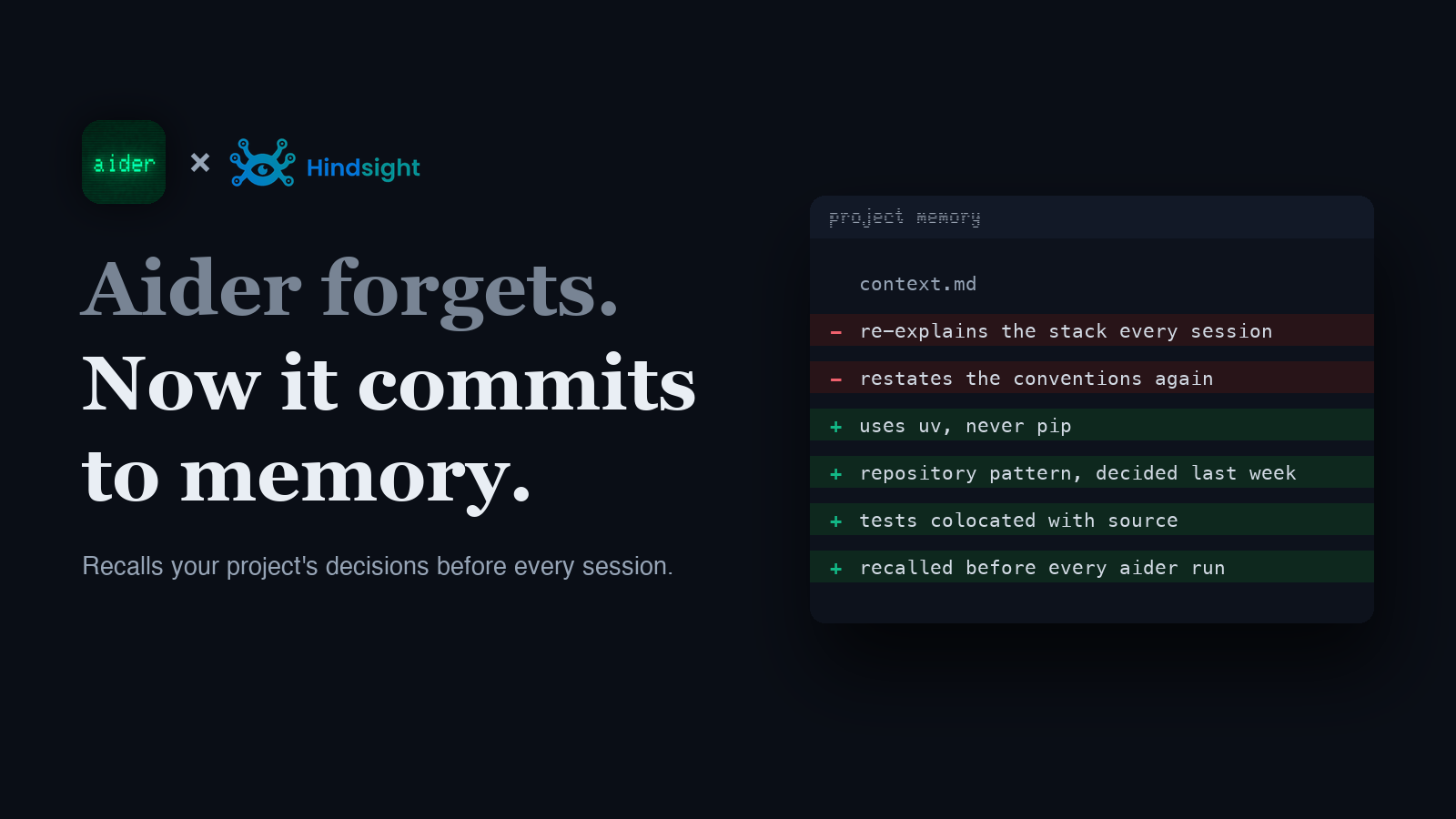
Aider is one of the best terminal AI pair programmers there is. It edits real files, makes its own git commits, and stays out of your way. But like every coding agent, it is brilliant inside a single session and a blank slate between them. Quit Aider, come back tomorrow, and it has forgotten that this repo uses uv not pip, that you decided against the ORM last week, and that your tests live next to the code they cover.
hindsight-aider fixes that without changing how you work. It is a drop-in wrapper for the aider command that recalls your project's memory before a session and retains what the session produced after, backed by a shared Hindsight memory scoped to your git repo.
TL;DR
hindsight-aiderwrapsaider. Every argument passes straight through, so it is a one-word change to how you launch.- Before the session it recalls relevant project memory and injects it via Aider's own
--readcontext file. - After the session it retains the transcript to Hindsight, so the next session starts with what this one learned.
- Memory is scoped per git repo, so Aider shares one memory with your other Hindsight editor integrations on the same project.
- Works with Hindsight Cloud or a self-hosted server. It is agent memory that outlives the conversation.
The problem: a great pair programmer with no yesterday
A pair programmer that forgets everything between sessions makes you the memory. You re-explain the stack, restate the conventions, and re-argue decisions you already settled, every time you start a fresh Aider run. The model is capable; it just has no continuity from one session to the next.
Persistent memory closes that gap. The point of memory is that the things you have already told Aider, and the things it worked out with you, are still there next time. That is what turns a per-session tool into a pair programmer that actually knows your project.
How Aider's memory works
Aider has no MCP client and no per-prompt hook, so there is nowhere to inject context mid-conversation the way an editor with a plugin API can. What Aider does give you is two building blocks, and the wrapper uses both.
Read-only context files. Aider loads files passed with --read into the model's context as reference material it will not edit. hindsight-aider queries Hindsight, writes the results to a Markdown file (.aider.hindsight-memory.md), and launches aider --read .aider.hindsight-memory.md … so your project memory is in context from the first message.
A chat-history file. Aider records the session to .aider.chat.history.md. After Aider exits, the wrapper reads only the slice written during this session and retains it to the repo's Hindsight bank, so the exchange becomes durable memory for next time.
Recall runs once, at launch. If you start a one-shot task with aider -m "fix the auth bug", that message becomes the recall query, so the memory pulled is relevant to what you are about to do. For an interactive session it recalls general project context instead. Because Aider cannot be hooked mid-conversation, once-per-session recall is the honest fit for its workflow, and it lines up with how people actually use Aider: open it to work on a thing, close it when the thing is done.
Install and quick start
pip install hindsight-aider        # also needs Aider: pip install aider-chat
export HINDSIGHT_API_TOKEN=hsk_... # omit for an open self-hosted server
Then use it exactly like aider. Every argument passes through untouched:
hindsight-aider                        # interactive, project memory loaded
hindsight-aider -m "add retry logic"   # one-shot; recall uses the message
hindsight-aider src/app.py tests/      # any aider args work
That is the whole change: type hindsight-aider where you used to type aider. It needs Python 3.10 or newer, and it leans on Aider's own flags rather than replacing any of them.
Cloud or self-hosted
For Hindsight Cloud, set HINDSIGHT_API_TOKEN to a key from your dashboard. The API URL defaults to https://api.hindsight.vectorize.io, so there is nothing else to configure.
For a self-hosted server, point at your own base URL with HINDSIGHT_API_URL=http://localhost:8888. An open local server needs no token.
Configuration resolves from ~/.hindsight/aider.json or environment variables:
| Setting | Env var | Default |
|---|---|---|
| API URL | HINDSIGHT_API_URL | https://api.hindsight.vectorize.io |
| API token | HINDSIGHT_API_TOKEN | none (required for Cloud) |
| Bank id | HINDSIGHT_AIDER_BANK_ID | git repo name |
| Auto-recall | HINDSIGHT_AIDER_AUTO_RECALL | true |
| Auto-retain | HINDSIGHT_AIDER_AUTO_RETAIN | true |
| Aider command | HINDSIGHT_AIDER_COMMAND | aider |
One memory per repo
By default the bank is your git repo name, not an Aider-specific label. That is deliberate. Point Aider and your other Hindsight editor integrations at the same repo and they share one memory, so a decision you make in Cursor or Zed is there when you open Aider, and vice versa. That is the idea behind one memory for every AI tool: the project remembers, no matter which agent you happen to be driving.
Verify it works
Give Aider a durable fact in one session: tell it "this project uses uv, never pip," and let it make an edit. Quit, then start a new session on a related task, like hindsight-aider -m "add the httpx dependency". A memory-aware run recalls the convention and reaches for uv without being reminded, because the fact was retained to Hindsight and recalled against your new request.
You can watch it from the other side too. Open your Hindsight bank after the first session and you will see the retained transcript show up as stored memory.
Frequently asked questions
Does recall happen automatically?
Yes, at launch. hindsight-aider recalls before it starts Aider and injects the result via --read, so you do nothing extra. It recalls once per session rather than per message, because Aider exposes no mid-conversation hook.
Will it get in the way of normal Aider usage?
No. It is a pass-through wrapper: all your usual aider arguments work unchanged, and if recall or retain ever fails it is logged and skipped rather than blocking the session.
What do I need installed?
Python 3.10+, Aider (pip install aider-chat), and hindsight-aider. Point it at Hindsight Cloud with an API token, or at a self-hosted server with HINDSIGHT_API_URL.
Can I turn off recall or retain?
Yes. Set HINDSIGHT_AIDER_AUTO_RECALL=false or HINDSIGHT_AIDER_AUTO_RETAIN=false (or the matching keys in ~/.hindsight/aider.json) to run one side of the loop only.
Why not just paste context into a CONVENTIONS file? A static file captures what you thought to write down and never updates itself. Memory grows as you work, recalls what is relevant to the current task, and is shared across every tool pointed at the repo. It is durable and selective, not a manual note you maintain by hand.
Further reading
- What is agent memory?: the concepts behind recall and retention.
- Best AI agent memory systems: how the major memory frameworks compare.
- Cursor persistent memory: the same idea for the AI-first editor.
- One memory for every AI tool: point Aider and your other agents at the same bank.