What's New in Hindsight Cloud: The API Is a Promise Now
Hindsight hit 1.0, most of Cloud moved onto a new storage engine, a bank's documents now travel in and out as a zip, and reflect shows its work.
 By Ben Bartholomew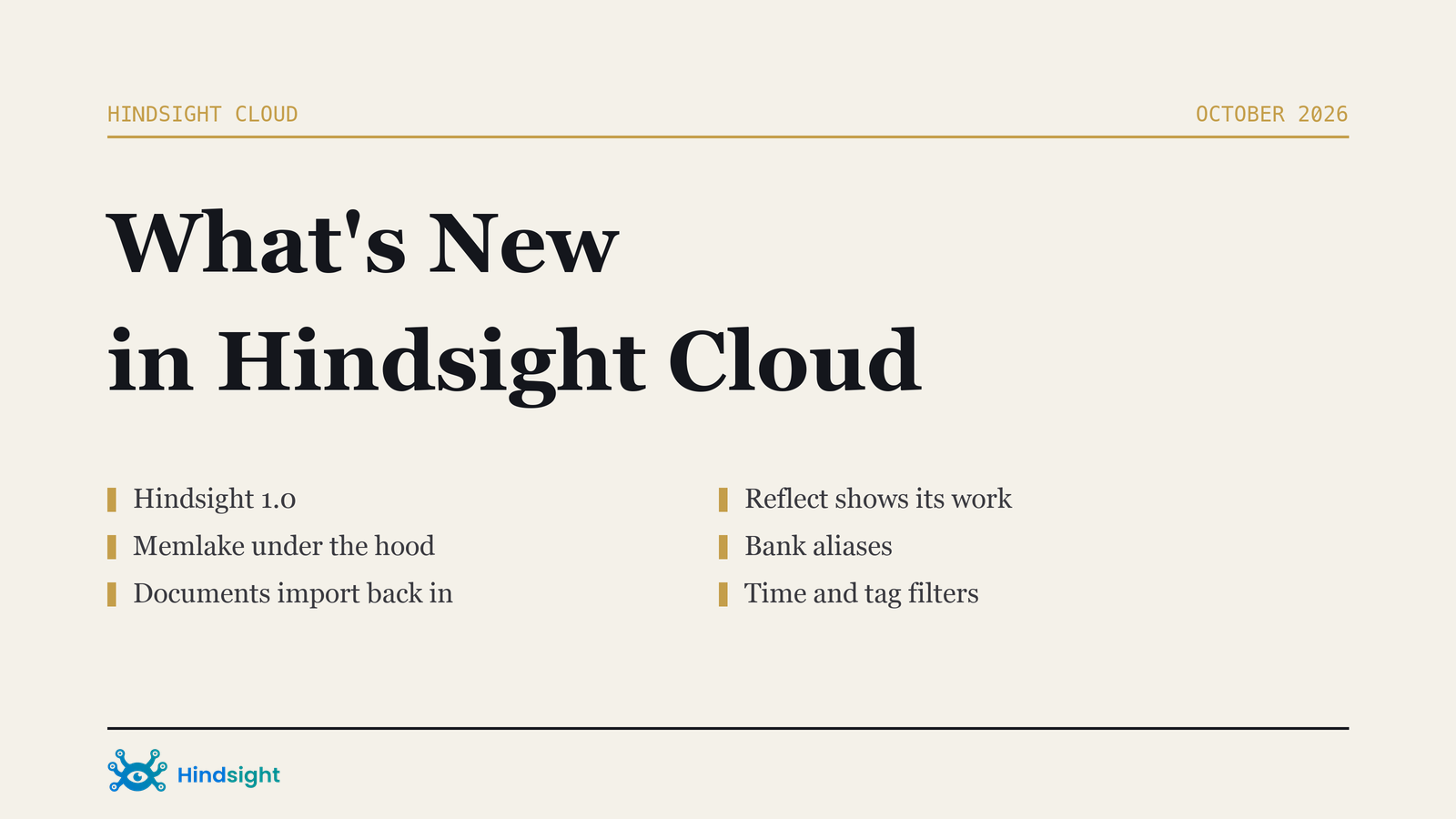
The most important thing that happened to Hindsight Cloud in the last five weeks is something you cannot see in the console, and that is the point.
Hindsight reached 1.0. After a year in production the architecture and the API are stable, and from here the API is a promise: what you build on Hindsight Cloud keeps working as Hindsight grows. Nothing changed in your code, your SDKs or your MCP setup. That is the whole announcement, and it is the one that matters most if you are shipping something on top of us.
Underneath it, a lot moved. Here is the rest.
TL;DR
- Hindsight 1.0. The API is stable and stays that way.
- Memlake runs most of Cloud now. A new storage engine, nothing to turn on.
- A bank's documents travel both ways. Export to a zip, import it back into the same bank or a different one, billed below the retain rate.
- Reflect shows its work, and can rank a handbook above the chatter.
- A bank answers to more than one name.
- Members can approve AI clients, and connections now end when access does.
Memlake runs most of Cloud now
Hindsight Memlake is a new storage engine for agent memory, written in Rust, that keeps memory in object storage. It serves 100 million memories at under 100 ms p99, and every write is durable before it is acknowledged.
Most of Hindsight Cloud already runs on it. Vectorize operates it, so there is nothing to enable, no migration to schedule and no setting to find. If you want the detail on how it works, the launch post has it, and the Memlake docs cover running it in your own cloud or data center with Hindsight Enterprise.
This is the kind of change that only shows up as an absence: fewer slow queries on large banks, and headroom you do not have to think about.
A bank's documents travel both ways
Export has been able to produce a zip of a bank's documents for a while. Now you can put one back.
A .zip archive made by Export, from the same bank or a different one, can be imported into a bank's Documents view. The documents and the memories extracted from them are added without extracting facts again: the facts are re-embedded and re-linked in the bank you import into. Use it to restore a backup, or to copy documents from one bank to another.
What you will see:
- An Import from zip action next to Export in a bank's Documents view, for organization owners and admins
- A choice for a document that already exists: skip it, replace it, or keep both
- Your organization's import rate, shown before you confirm
It is cheaper than retaining the same content again. Imports bill per million tokens of document content at the import rate, which sits below the standard retain rate because no fact extraction runs, and is never higher than your organization's retain rate. It appears under Retain in the Billing page's Pricing card.
Reflect shows its work
Two changes make a reflect answer easier to trust.
The Based On panel now shows the observations an answer cited, with their full text, plus the images and files attached to its evidence. You can see exactly what the answer drew on rather than inferring it.
And reflect now reads each document's own metadata. If you retain documents tagged with where they came from, say {"doc_type": "kb"} for published articles and {"doc_type": "ticket"} for support threads, your bank's mission can tell reflect how to weigh them: prefer the handbook over the chatter, unless something newer and more authoritative overrides it. Previously that distinction was invisible to reflect even when it was sitting right there in the document.
A bank answers to more than one name
Add an alias to a bank and requests to either id reach the same memories. Promote an alias and it becomes the name the bank is shown as everywhere, with the original id still doing the work underneath.
This makes renaming painless. Point new clients at the new name while existing ones keep working on the old one, with no downtime and nothing to move. API keys scoped to a bank work with that bank's aliases too. Owners and admins manage them on the bank's Configuration tab.
Who can connect an AI client
Approving an AI client used to be limited to owners and admins. Organization owners can now let plain members approve MCP connections too, under Settings then Connected AI clients (MCP).
Connections also follow access now. When someone leaves the organization, or loses the role that let them connect, their connections are revoked rather than quietly continuing to work.
Finding things in a large bank
A run of smaller additions, all aimed at reading one slice of a bank instead of all of it:
- A time filter on the Documents list, with presets or a custom range, plus a tag filter
- Tag filters on the knowledge base and entities. The knowledge base tree and search, and the entity list, detail and graph, now take the same
tagsandtags_matchfilter recall uses, so you can show only the pages and entities for one user, team or topic - Document metadata shown on each memory's details
- An advanced search dialog for knowledge base pages
- Causal links in bank stats, and pause, motion and SVG export on the constellation graph
The memories and documents APIs also filter and sort by time on the server now, so a client no longer has to pull a page and sort it itself.
Learn more
- Hindsight Memlake on the storage engine behind most of Cloud
- What's New in Hindsight Cloud for the running list, with every item dated
- Billing for the import rate and the rest of the pricing card
- What's New in Hindsight Cloud: Memory That Reads Screenshots for the previous roundup