What's New in Hindsight Cloud: Multi-Org Support and Credit Transfers
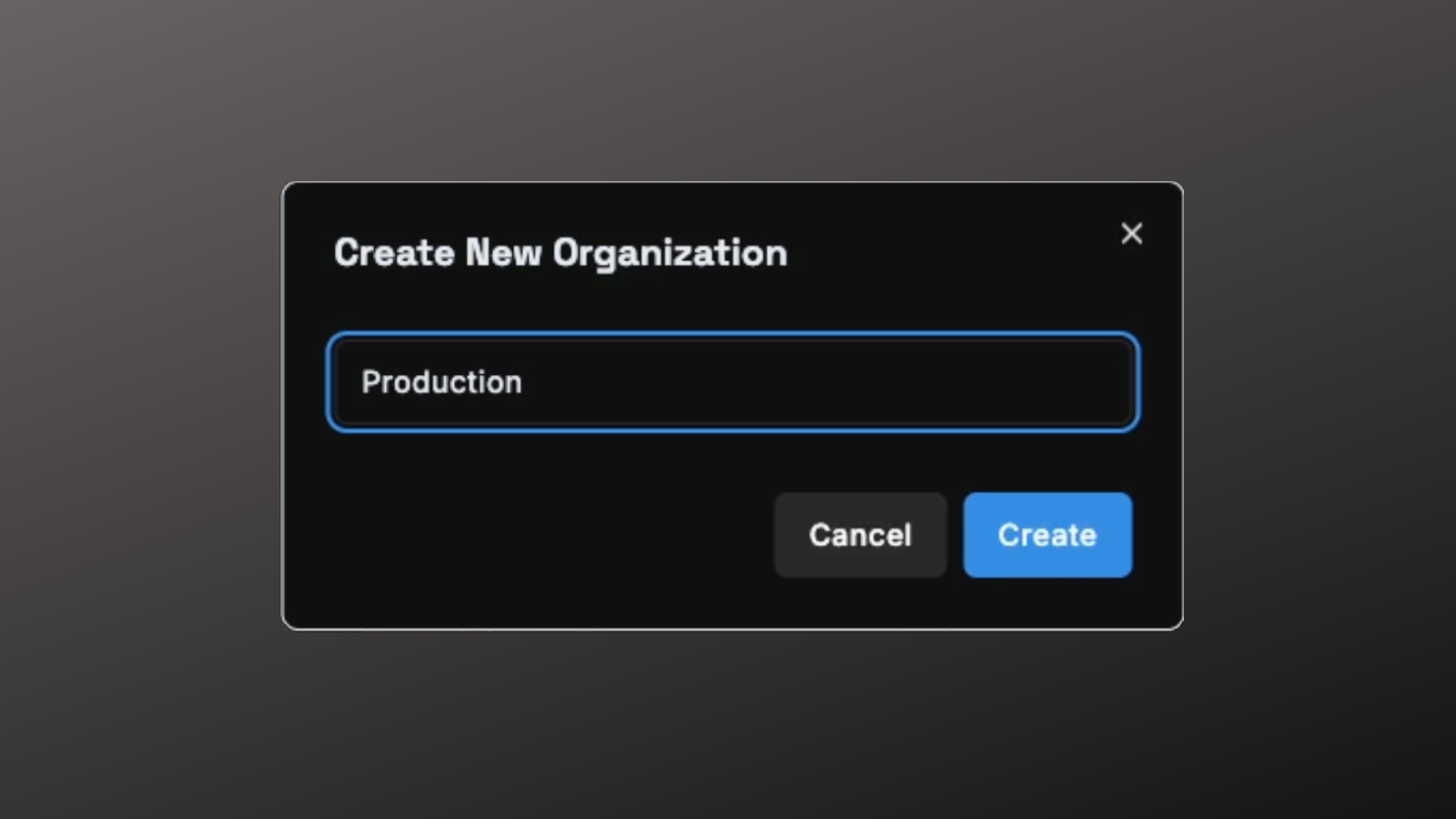
Two new features are live in Hindsight Cloud: multiple organizations per account and credit transfers between organizations you own.
TL;DR
- Multiple organizations — create separate orgs for production and development, or for distinct projects, and switch between them instantly from the top nav
- Credit transfers — move credits between orgs you own directly from the Billing page; no support ticket required
- Owner-only transfers — only users who own both the source and destination organization can initiate a transfer
- Available now — in all Hindsight Cloud accounts
Multiple Organizations
You can now create multiple organizations from the organization switcher in the top navigation bar. This is useful for:
- Separating environments — keep production and development memory banks in separate orgs with separate API keys, so a development agent can never affect production data
- Distinct projects — run completely separate Hindsight setups for different clients, codebases, or teams without any cross-contamination of memory banks or billing
To create a new organization, click your org name in the top navigation bar and select New Organization. Switching between organizations is instant — the dashboard, memory banks, API keys, and billing page all update to reflect the selected org.
Credit Transfers Between Organizations
Owners can now transfer credits between organizations they own directly from the Billing page — no need to contact support.
Key details:
- Atomic transfers — credits move instantly; both organizations' balances update at the same time, with no intermediate state
- Full transaction history — the source organization records a
transfer_outentry and the destination organization records atransfer_inentry, both visible on each org's billing page - Confirmation step — a confirmation dialog shows the amount and destination organization before any funds move
- Owner-only — only users who own both the source and destination organization can initiate a transfer; Admins and Members cannot
To transfer credits, go to Billing in the source organization and select Transfer Credits.
Learn more about credit transfers →
Get Started
Both features are available now in all Hindsight Cloud accounts. Create a new organization from the org switcher, or head to your Billing page to transfer credits between existing organizations.